Meta Ads in 2026: Advantage+ vs manual targeting, and when each one wins
Meta keeps pushing automation, and many students are told 'just go broad'. That advice is right more often than not, but not always. Here is how to decide, and how to test it properly.
In this post 8 sections
- What "Advantage+" actually means
- Signals decide everything: Pixel plus Conversions API
- The learning phase, honestly explained
- When Advantage+ audience usually wins
- When manual (or tightly suggested) targeting still makes sense
- A fair test you can run in two weeks
- Creative is the new targeting
- How to show this skill to recruiters
Open any Meta Ads tutorial today and you will hear the same advice: "go broad, let Advantage+ do the work". It is often good advice. It is also repeated without the conditions that make it true. If you are learning performance marketing, the useful skill is knowing when automation helps and when it burns money.
What "Advantage+" actually means
Advantage+ is Meta's name for a family of automated options, not one button. The ones you will meet most:
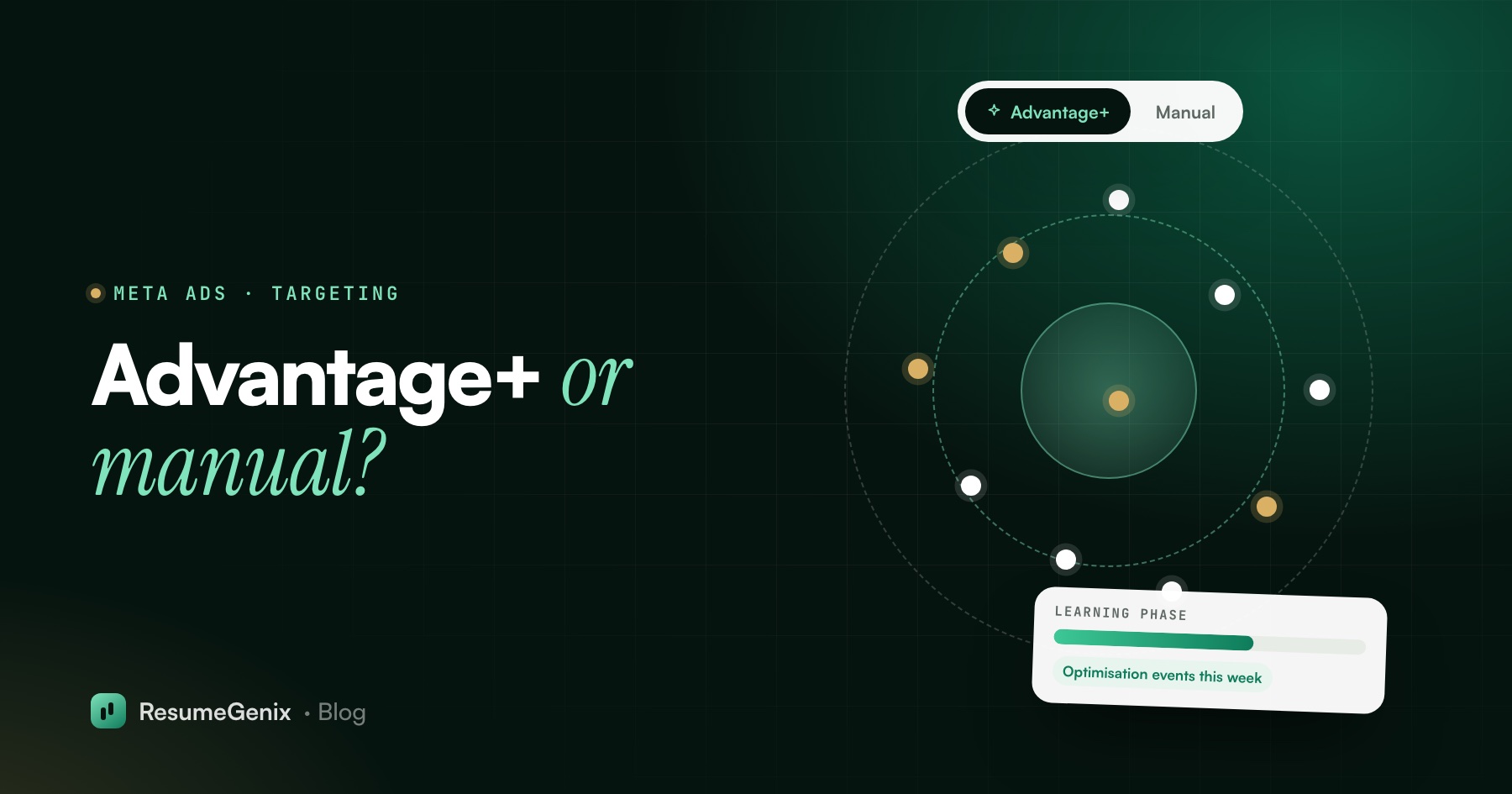
- Advantage+ audience: you give suggestions (age, interests, custom audiences) and Meta may show ads beyond them if it predicts better results.
- Advantage+ placements: Meta chooses where ads appear across Facebook, Instagram, Messenger and Audience Network.
- Advantage+ creative: small automatic edits such as brightness, cropping or adding music, which you can turn on or off.
- Advantage+ campaigns (earlier called Advantage+ shopping or app campaigns): a more automated setup where many choices are made by the system.
The common idea: you give Meta a clear goal and good signals, and it searches for the people most likely to act. Everything therefore depends on the quality of those signals.
Signals decide everything: Pixel plus Conversions API
Automation learns from conversion events. If your events are missing or wrong, broad targeting simply finds more people like the wrong people.
- Meta Pixel records actions in the browser (view content, add to cart, purchase).
- Conversions API (CAPI) sends the same events from your server or platform. It still works when browsers block cookies or scripts.
- When you send both, use the same event ID on each so Meta can deduplicate them and does not count one purchase twice.
Shopify, WooCommerce and most Indian checkout platforms have a CAPI integration you can switch on without code. Check Events Manager for event match quality and for warnings before you judge any campaign.
The learning phase, honestly explained
After you launch or significantly edit an ad set, delivery is less stable while the system learns. Meta's long-standing guidance is that an ad set needs roughly 50 optimisation events in about a week to exit learning; under that, you see "Learning limited". Treat 50 as a working benchmark: Meta has tested lower thresholds for some campaign types, so check the delivery column in your own account.
What this means for a small budget:
- If you sell a ₹1,500 product and expect about 5 purchases a week, optimising for Purchase will probably stay in learning. Consider optimising for Add to cart or Initiate checkout at first, then move to Purchase as volume grows.
- Fewer ad sets with more budget each learn faster than many small ones.
- Big edits (new audience, new optimisation event, large budget jumps) can restart learning. Change one thing at a time.
When Advantage+ audience usually wins
- You have working Pixel and CAPI events and a decent history of conversions.
- Your product appeals to a wide audience: snacks, skincare, phone accessories, apparel.
- Your creative does the targeting: a clear hook that speaks to the right person ("For oily skin that breaks out in the Mumbai humidity").
- You are optimising for a real purchase or lead, not engagement.
When manual (or tightly suggested) targeting still makes sense
- Narrow B2B or professional audiences, where only a small group can buy.
- Strict geography: a salon that only serves a 5 km radius.
- Legal or policy limits: age-restricted products, or special ad categories (housing, employment, credit, social issues) where some targeting options are restricted anyway.
- New accounts with no data, where you want cleaner first results before handing control to the algorithm.
- Retargeting and exclusions: people who visited but did not buy, or excluding existing customers from an acquisition offer.
A fair test you can run in two weeks
Do not compare a broad ad set with new creative against a manual one with old creative. That tells you nothing. Use Meta's A/B test tool (Experiments) and change only the targeting:
| Version | Setup |
|---|---|
| A: Advantage+ audience | Same creative, same optimisation event, same budget, audience suggestions only. |
| B: Manual | Same creative, same event, same budget, your chosen interests or lookalike. |
Judge on cost per result for your business goal and, if you can, on what happens after: return rate, repeat purchase, lead quality. A cheap lead who never picks up the phone is not cheap.
Creative is the new targeting
When the audience is broad, the ad itself picks who stops scrolling. Give the system several real variations:
- Different hooks in the first 2 seconds: the problem, the result, a surprising fact, a person talking.
- Different formats: a short vertical video, a static image, a carousel.
- Different angles: price, quality, convenience, a founder story, a customer review.
Look at the Ad Library (free, public) to study what brands in your category are running and how long they keep ads live. Ads that run for months are usually working.
How to show this skill to recruiters
Interviewers for performance roles ask things like "how would you scale a campaign stuck in learning limited?" or "when would you not go broad?". A clear answer with a small experiment you ran is far stronger than "I know Meta Ads". Write it up as a project in your portfolio, and practise the explanation with a mentor mock interview or our interview prep.
Free for digital marketing students: resume builder, portfolio, courses, certificates and a job tracker.
Keep reading
 Instagram
A 30-day Instagram Reels test plan for small brands (no big budget needed)
Posting reels randomly and hoping one goes viral is not a strategy. Run a 30-day test instead: fixed formats, deliberate hooks and honest measurement. Here is the full plan.
Read post Google Ads
Your first Google Ads search campaign: a ₹500-a-day plan for beginners
Most first campaigns waste money in week one for the same three reasons: broad keywords with no negatives, one weak ad, and no conversion tracking. Here is a small, careful plan you can run on ₹500 a day.
Read post ResumeGenix Weekly
 #1: three AI guides, a free ATS check and your first prompt
Welcome to the first ResumeGenix Weekly. This week: where to find fresher openings, a free ATS check for your resume, a Reel hooks prompt you can use today, and GA4 key events in two minutes.
Read post